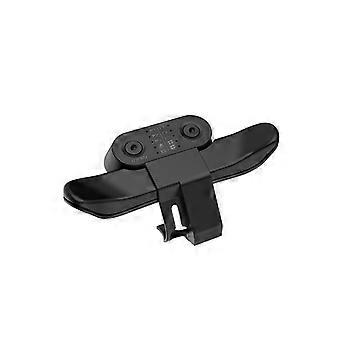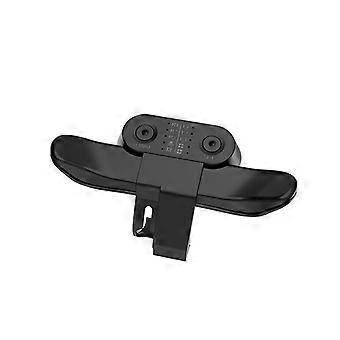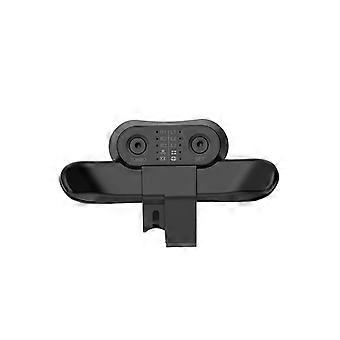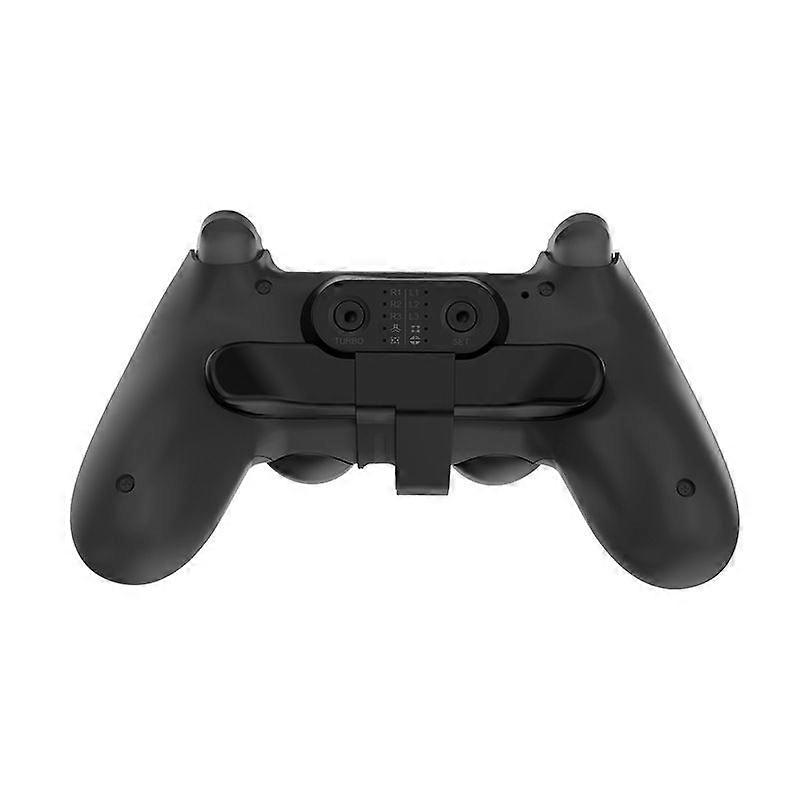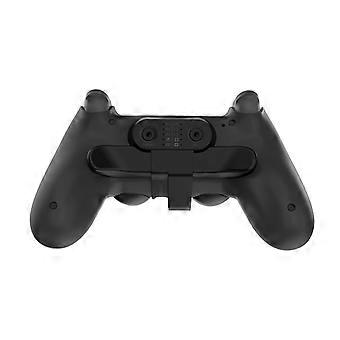
PS4 controller with 10 function key mappings on the back, compatible with various game buttons_Special Gift

٦٤٫٠٠ ر.ق.‏
+ ٣٠٫٩٩ ر.ق.‏ الشحن

PS4 controller with 10 function key mappings on the back, compatible with various game buttons_Special Gift

  • العلامة التجارية: unbrand

PS4 controller with 10 function key mappings on the back, compatible with various game buttons_Special Gift

  • العلامة التجارية: unbrand
سعر البيع القطاعي المقترح: ١٤٩٫٠٠ ر.ق.‏
السعر: ٦٤٫٠٠ ر.ق.‏
أنت توفر: ٨٥٫٠٠ ر.ق.‏ (57%)
البائع:
٦٤٫٠٠ ر.ق.‏
+ ٣٠٫٩٩ ر.ق.‏ الشحن

في المخزون

سياسة الإرجاع لمدة 14 يوما

طرق الدفع:

الوصف

PS4 controller with 10 function key mappings on the back, compatible with various game buttons_Special Gift

PS4 handle back expansion button 10 function key mappings, suitable for various game buttons TURBO burst function highly customizable settings A dedicated button has been designed here, allowing you to remap the back button function in real time, and it also comes with TURBO burst function, giving you a different gaming experience. Back card handle button Fit the handle to prevent the back of the PS4 handle from sticking Loose and dropped mapping buttons Operating instructions 1. Programming function settings: Press and hold the SET key for 2 seconds, Corresponding LED flash (4HZ), then short press the M1 or M2 key, and the LED lights will flash slowly on the corresponding function screen in sequence (the lighting order is X, O, -, mouth, R3, L3, R2, L2, R1, L1). Then press the SET key, and the corresponding function will be mapped to M1/2; For example, when entering programming mode, press the M1 key to display the LED on R1, then press the SET key again, the LED on R1 will become permanently lit, and the M1 function will be R1; When programming M2, it is similar to the above class. 10 LEDs serve as button function indicator lights, indicating the function of programming buttons, with a maximum of 2 LED lights displayed. 2. Cancel function: Press and hold the SET button for 5 seconds, the programming indicator LED will change from flashing fast to off, and the M1/2 function will be cleared. At this time, the button has no programming function. 3. Programming key memory function: Insert the back key extender into the handle. If M1/2 has no function, LED1 will flash slowly (2HZ) for 3 seconds and then turn off. Long press the SET key to enter programming mode, and LED1 will flash quickly; If M1/2 remembers the last programming function, the corresponding LED light will remain on. Programming function before power-off to save memory; Inserting the handle again still retains the previous programming function, and there is no programming function by default at the factory; 4. Turbo function setting: Press and hold both the function button and Turbo button simultaneously, then the function button has Turbo burst function; Pressing the above combination of keys again will cancel the Turbo function of that key. If the Turbo function is set, the LED corresponding to the function will flash rapidly (4Hz) after pressing the button;
  • هوية Fruugo: 347172676-758682407
  • EAN: 9486312071067

معلومات سلامة المنتج

يرجى الاطلاع على معلومات سلامة المنتج الخاصة بهذا المنتج الموضحة أدناه

يتم توفير المعلومات التالية من قبل بائع التجزئة المستقل التابع لجهة خارجية الذي يبيع هذا المنتج.

رقم جزء الشركة المصنعة: Dreambox Limited

التسليم والرد

يُرسل خلال ٣ أيام

  • STANDARD: ٣٠٫٩٩ ر.ق.‏ - التسليم بين الثلاثاء 20 يناير 2026 – الخميس 29 يناير 2026

يُشحن من الصين.

نحن نبذل قصارى جهدنا لضمان أن تصلك المنتجات التي تطلبها بالكامل وطبقاً المواصفات التي حددتها. إلا أنه في حال تلقيك طلب غير كامل أو أغراض تختلف عن تلك التي طلبتها أو كان هناك سبب آخر يدعوك لعدم الرضاء عن الطلب، فيمكنك رد الطلب أو أي منتجات يتضمنها الطلب واسترداد ما دفعته من أجل تلك الأغراض بالكامل. عرض سياسة الرد الكاملة