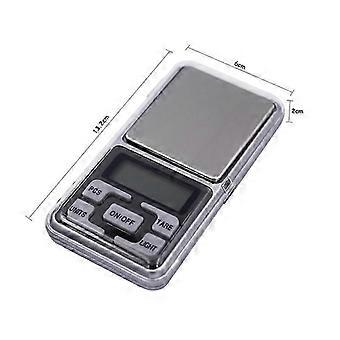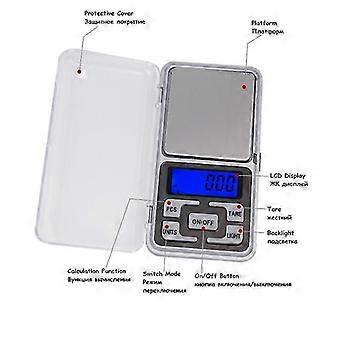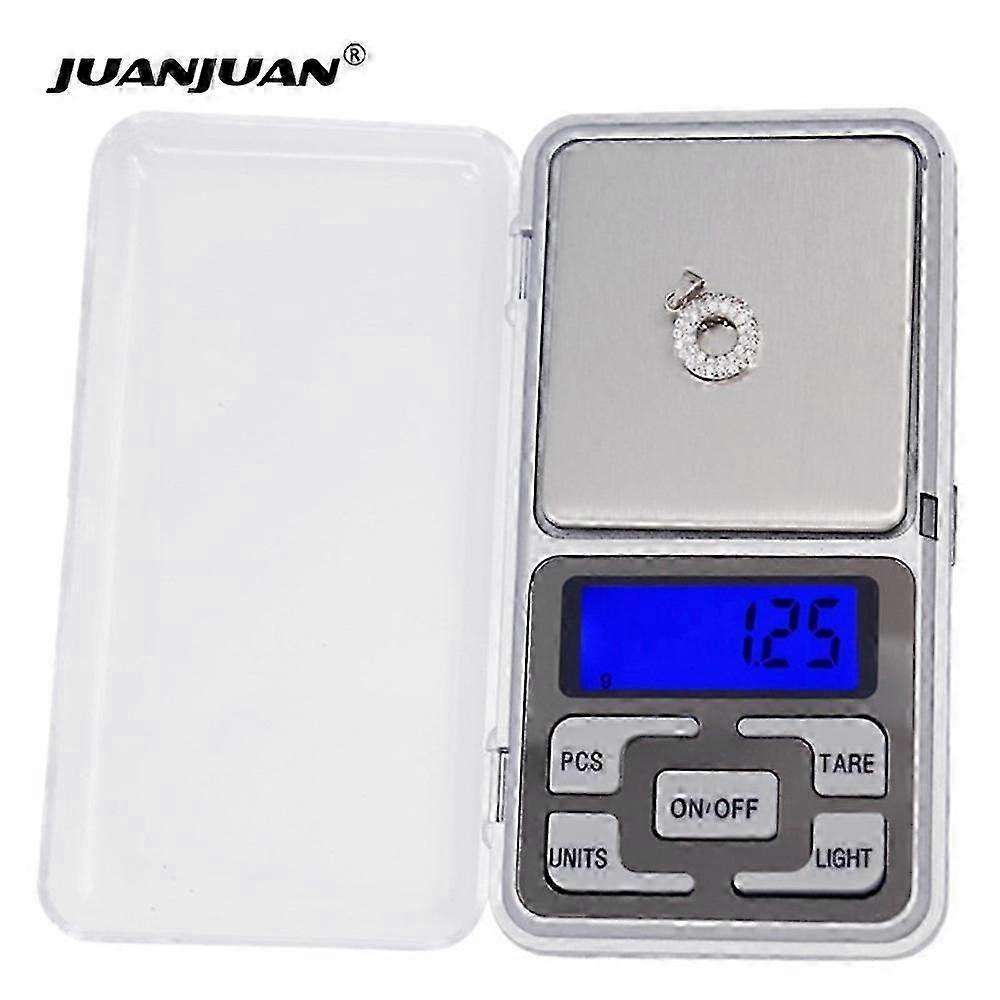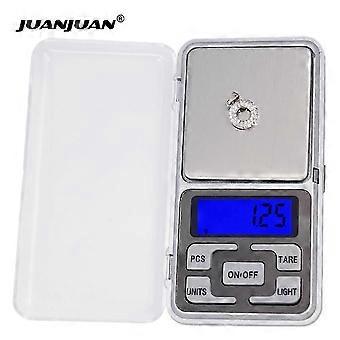
0.01g 500g Mini Electronic Scale Digital Scale Balance LCD With Retail Box Jewelry Portable Weight Scale 20% Off

١٤٩٫٠٠ ر.ق.‏
+ ٤١١٫٩٩ ر.ق.‏ الشحن

0.01g 500g Mini Electronic Scale Digital Scale Balance LCD With Retail Box Jewelry Portable Weight Scale 20% Off

  • العلامة التجارية: Unbranded

0.01g 500g Mini Electronic Scale Digital Scale Balance LCD With Retail Box Jewelry Portable Weight Scale 20% Off

  • العلامة التجارية: Unbranded
سعر البيع القطاعي المقترح: ٢١٩٫٠٠ ر.ق.‏
السعر: ١٤٩٫٠٠ ر.ق.‏
أنت توفر: ٧٠٫٠٠ ر.ق.‏ (31%)
البائع:
١٤٩٫٠٠ ر.ق.‏
+ ٤١١٫٩٩ ر.ق.‏ الشحن

في المخزون

نقبل وسائل الدفع الآتية

الوصف

0.01g 500g Mini Electronic Scale Digital Scale Balance LCD With Retail Box Jewelry Portable Weight Scale 20% Off

0.01g 500g Mini Electronic Digital Balance Jewelry Portable Weight Scale LCD with retail box 1.Place scale on the horizontal flat surface,press [ON/OFF]key to turn on the scale. 2. Wait until 0.0is displayed. 3.Put the object(s) on the weighing platform. 4.Using the [UNITS]key. you ccan swith between the weighing units. 5.Using the [LIGHT]key, you can turn on or off the backlight. 1.Turn on scale as described above. 2.Place the tare itemon the platform. 3.Press[TARE] and wait until 0.0is displayed. 4.Add the net-weight-item. 1.Turn on the scale and wait until the LCD displays 0.0. 2.Place a sample amount (25pcs,50pcs,75pcs or 100pcs) of the quantity you wish to weigh and count onto the platform. 3.Press and HOLD [PCS]key for 2 seconds;the LCD will display a random number , for example 100. 4.Press[UNITS]key to select the sample amount of the item that you have put onto the platform. 5.Press[PCS]key to confirm the above information, the LCD will now display pos in the corner to show that the scale is in counting mode. 6.Remove the sample quantity from the platform. 7.You nowcan place any amount of your item(s) on the scale and LCD will display a count. 8.You can switch between weighing mode and counting mode by pressing [UNITS] or [PCS] key respectively. 1.Reset the scale by pressing [ON/OFF]key. 2.Wait until the LCD displays 0.0and then press and HOLD [UNITS]key for 3 seconds. the LCD will display CAL,and then release the [UNITS]key. 3.Press [UNITS] key again, the LCD will display CAL,follow by the
  • هوية Fruugo: 393045698-840527308
  • EAN: 6130271273927

معلومات سلامة المنتج

يرجى الاطلاع على معلومات سلامة المنتج الخاصة بهذا المنتج الموضحة أدناه

يتم توفير المعلومات التالية من قبل بائع التجزئة المستقل التابع لجهة خارجية الذي يبيع هذا المنتج.

ملصقات سلامة المنتج

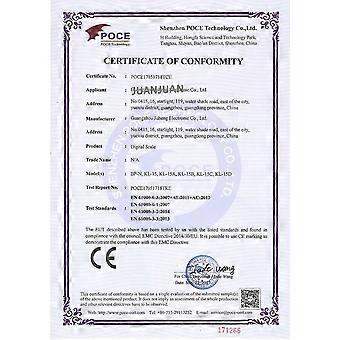
CE Mark

التسليم والرد

يُرسل خلال ١٢ أيام

  • STANDARD: ٤١١٫٩٩ ر.ق.‏ - التسليم في موعد أقصاه الخميس 08 يناير 2026

يُشحن من الصين.

نحن نبذل قصارى جهدنا لضمان أن تصلك المنتجات التي تطلبها بالكامل وطبقاً المواصفات التي حددتها. إلا أنه في حال تلقيك طلب غير كامل أو أغراض تختلف عن تلك التي طلبتها أو كان هناك سبب آخر يدعوك لعدم الرضاء عن الطلب، فيمكنك رد الطلب أو أي منتجات يتضمنها الطلب واسترداد ما دفعته من أجل تلك الأغراض بالكامل. عرض سياسة الرد الكاملة